

Cereal
 Inspired by Granola· Not affiliated with or endorsed by Granola.
The free, local AI notepad for your meetings. No bot joins your call.
Get Cereal with Toolbay on your Mac or PC
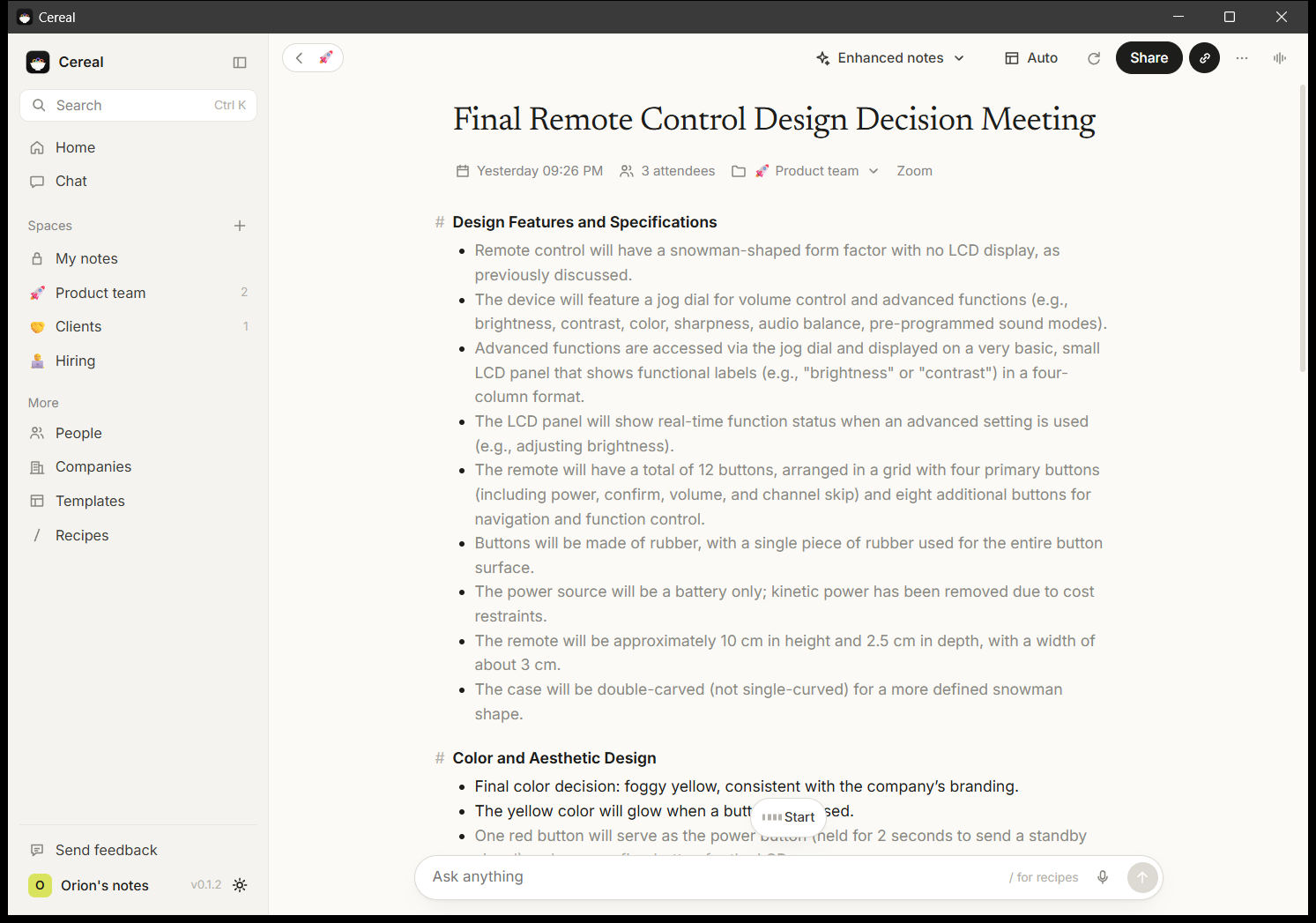
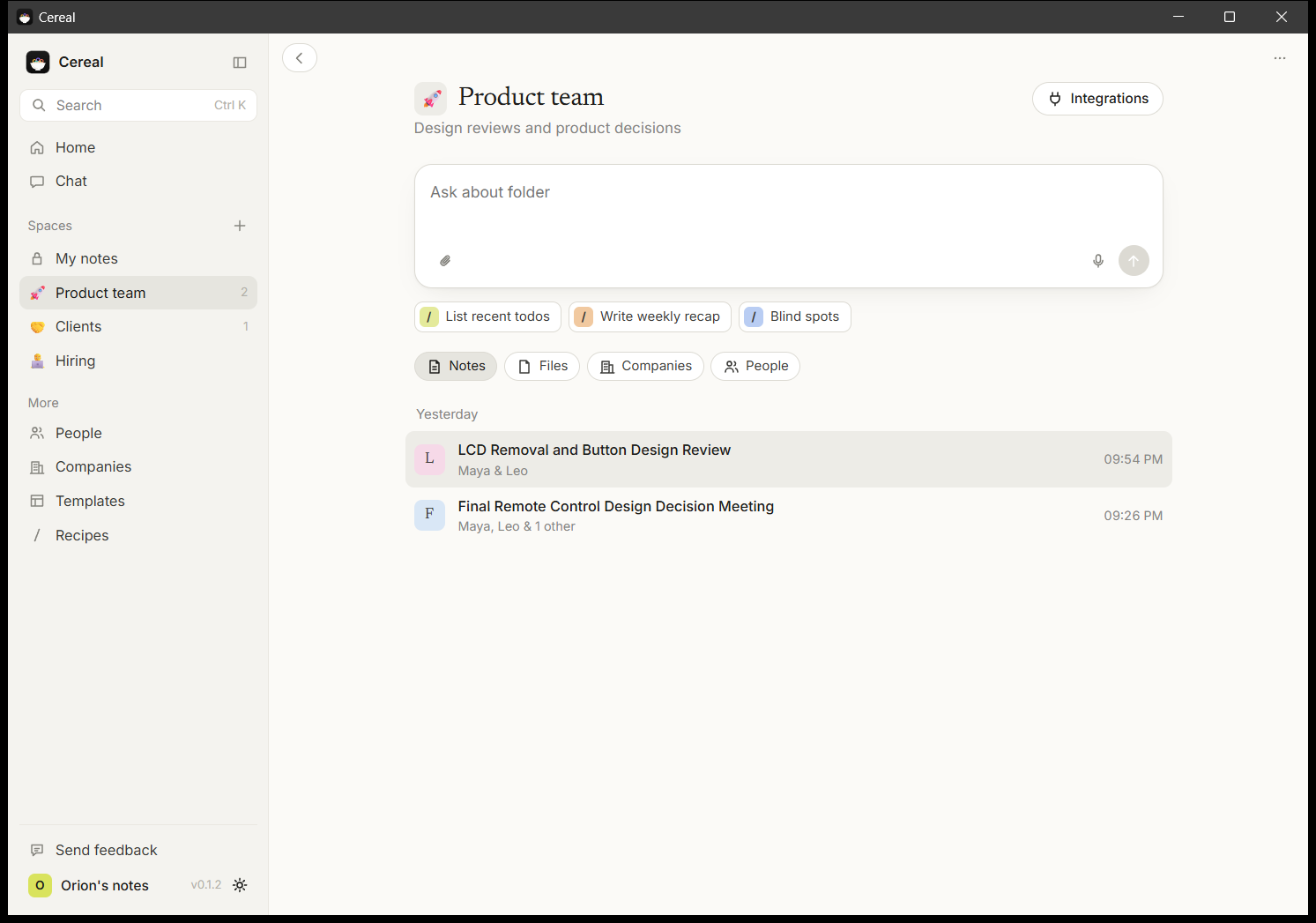
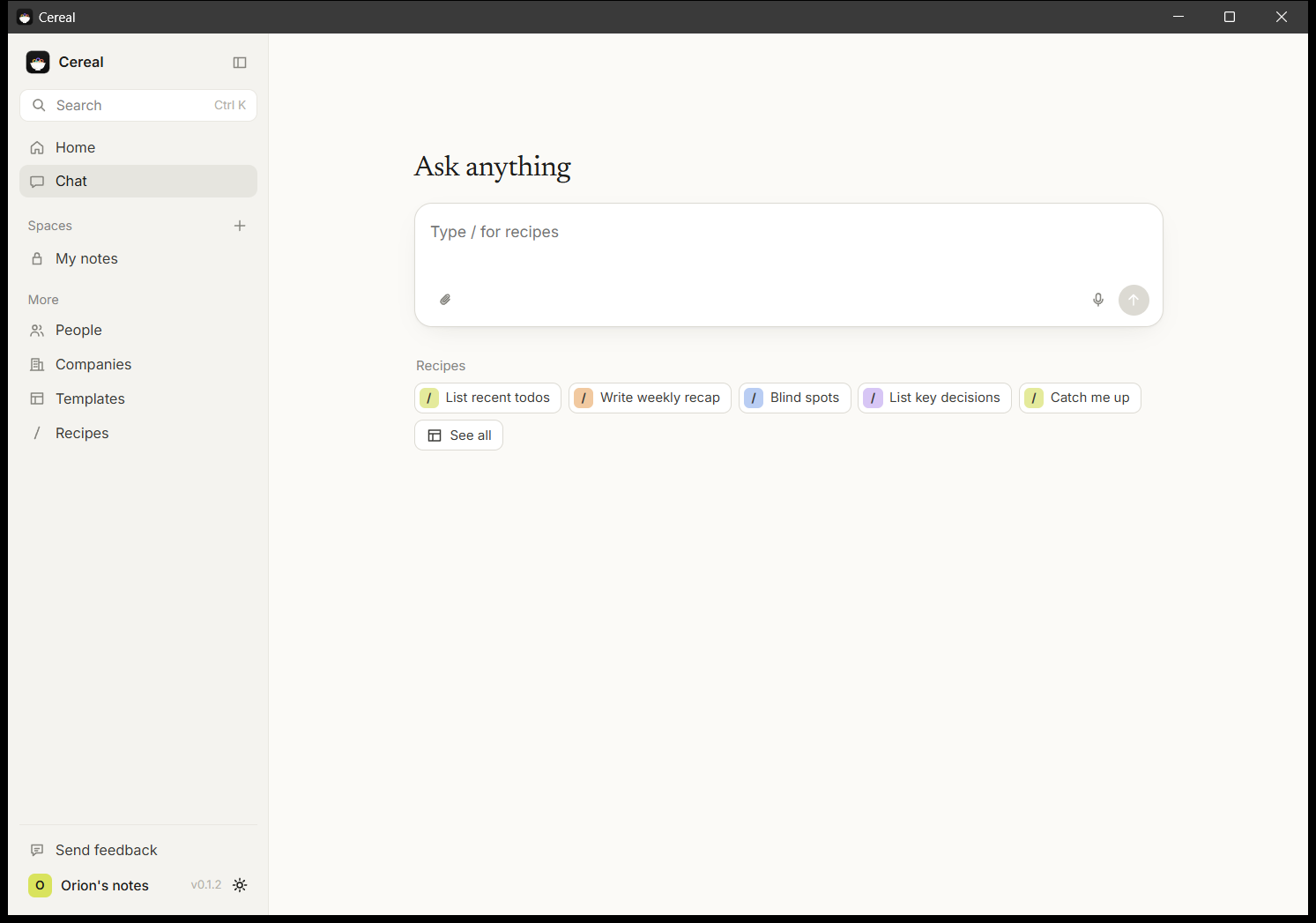
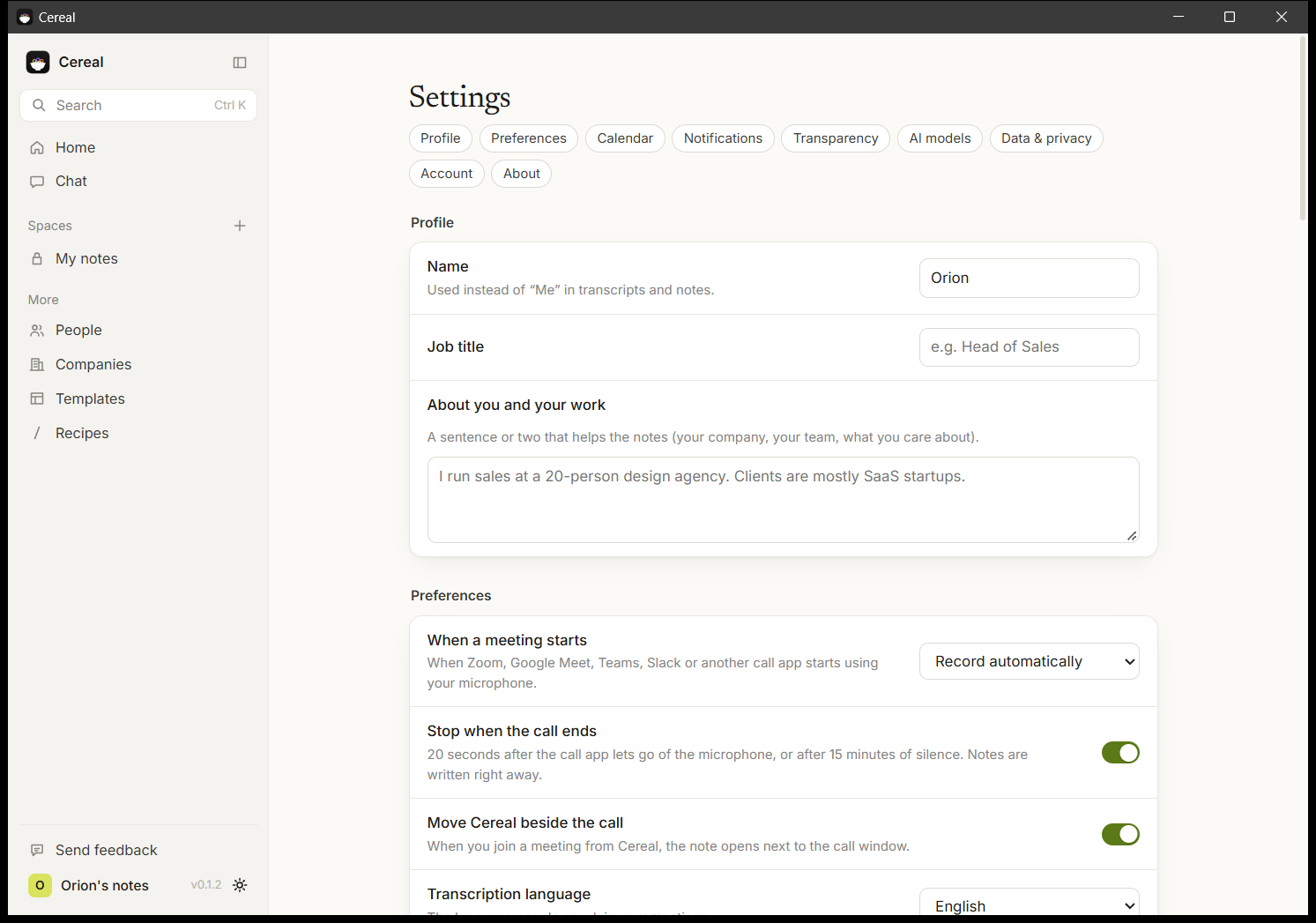
Cereal notices your Zoom, Meet, Teams or Slack calls and takes notes with no bot joining: it records your side and the other side, transcribes on your computer, tells speakers apart, and turns your rough notes into clean notes with decisions and action items. Calendar, folders, search and chat across all your meetings. No account, no limits, no telemetry.
Cereal used to be called Toolbay Notes. The Windows version is ready. The Mac version is an early build, so tell us in the community if anything is off.
Compare and learn: Cereal vs Granola
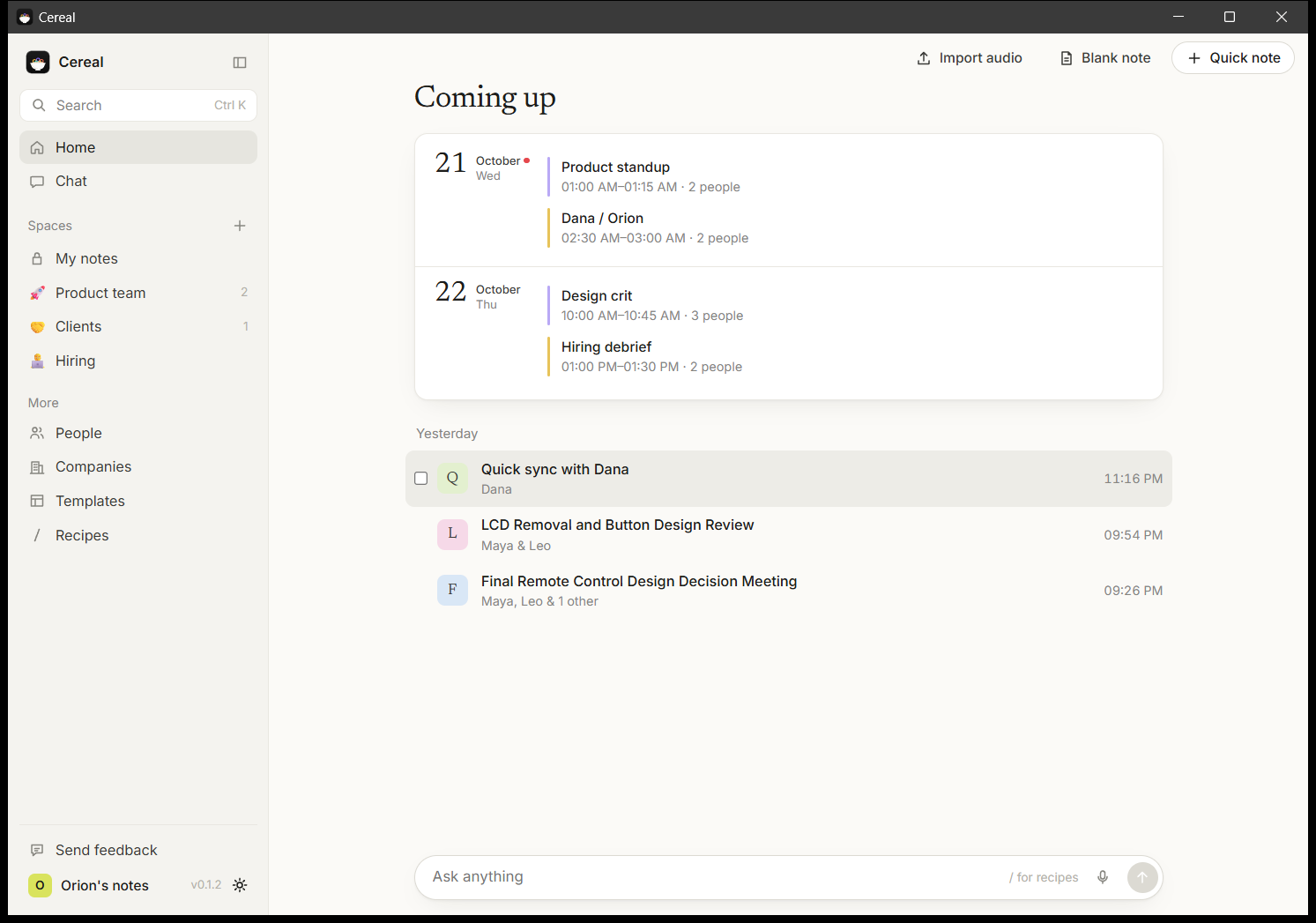
How to use it
- 1
Get Toolbay and open it.
- 2
Find Cereal under Tools and click Install.
- 3
Open Cereal from your Toolbay library.
Forks 0
No forks yet. Press Fork to make your own version of Cereal.
- Price
- Free
- Works on
- Mac and Windows
- Privacy
- Privacy check coming
Not independently reviewed yet. The developer says: recording, transcription and notes all run on your computer; no account, no servers, no analytics.
- Open source
- See the code (MIT)
- Version
- 0.4.0
- Made by
- Orion Jones
- Report
- Report this app
First launch on a Mac
Our Mac apps aren't notarized by Apple yet, so macOS asks once before running the installer.
1Click Done
macOS may say Apple can't check the installer. Click Done.
Reviews
No reviews yet
Sign in to review Cereal.